1
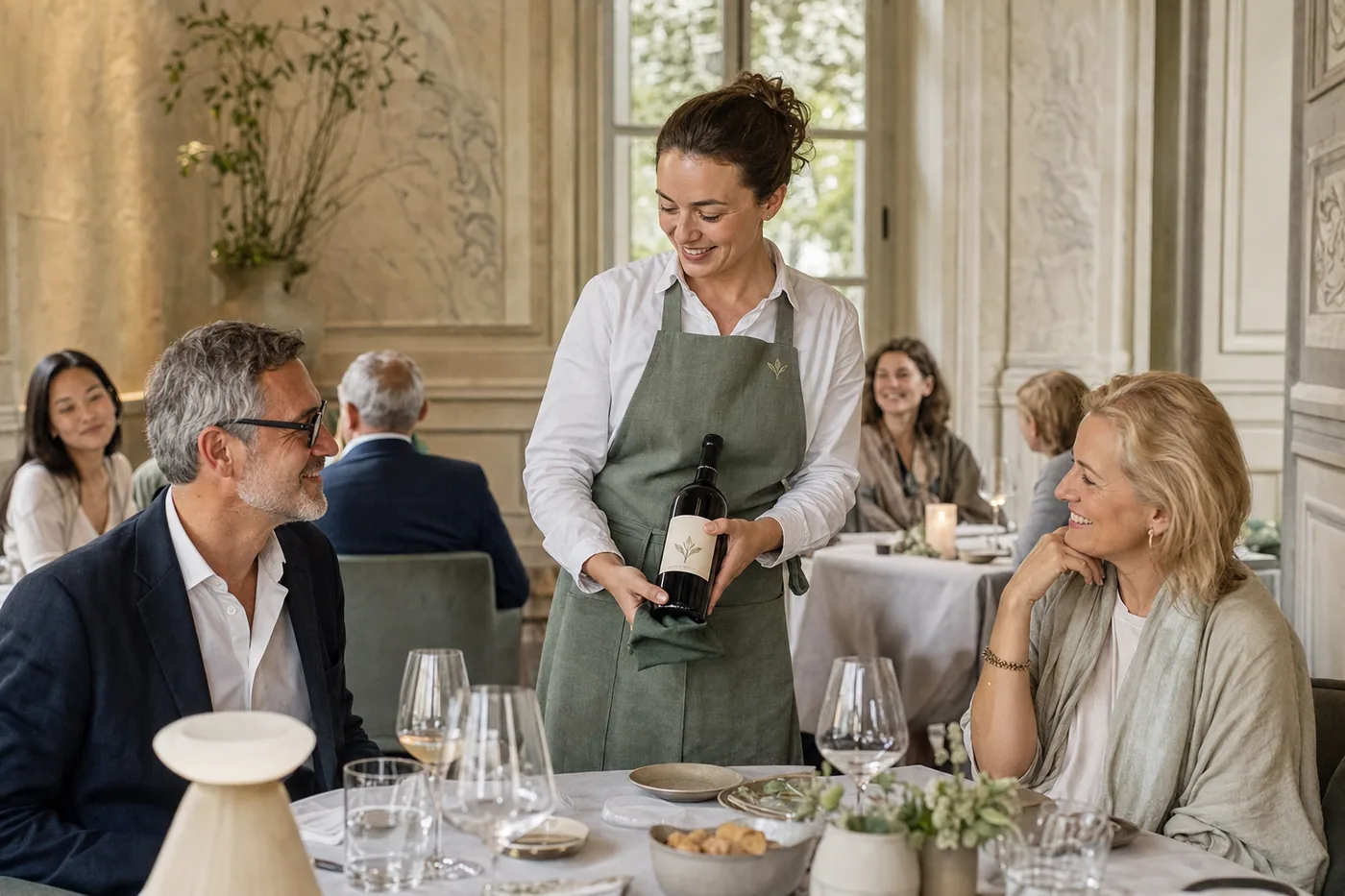
Booked and confirmed
Online you see the free times for your party, and up to 6 guests the table is confirmed on the spot — by email, with a link in case something comes up, and a reminder the day before. Any allergies you mention stay on your booking: whoever shows you to your table sees them.
2
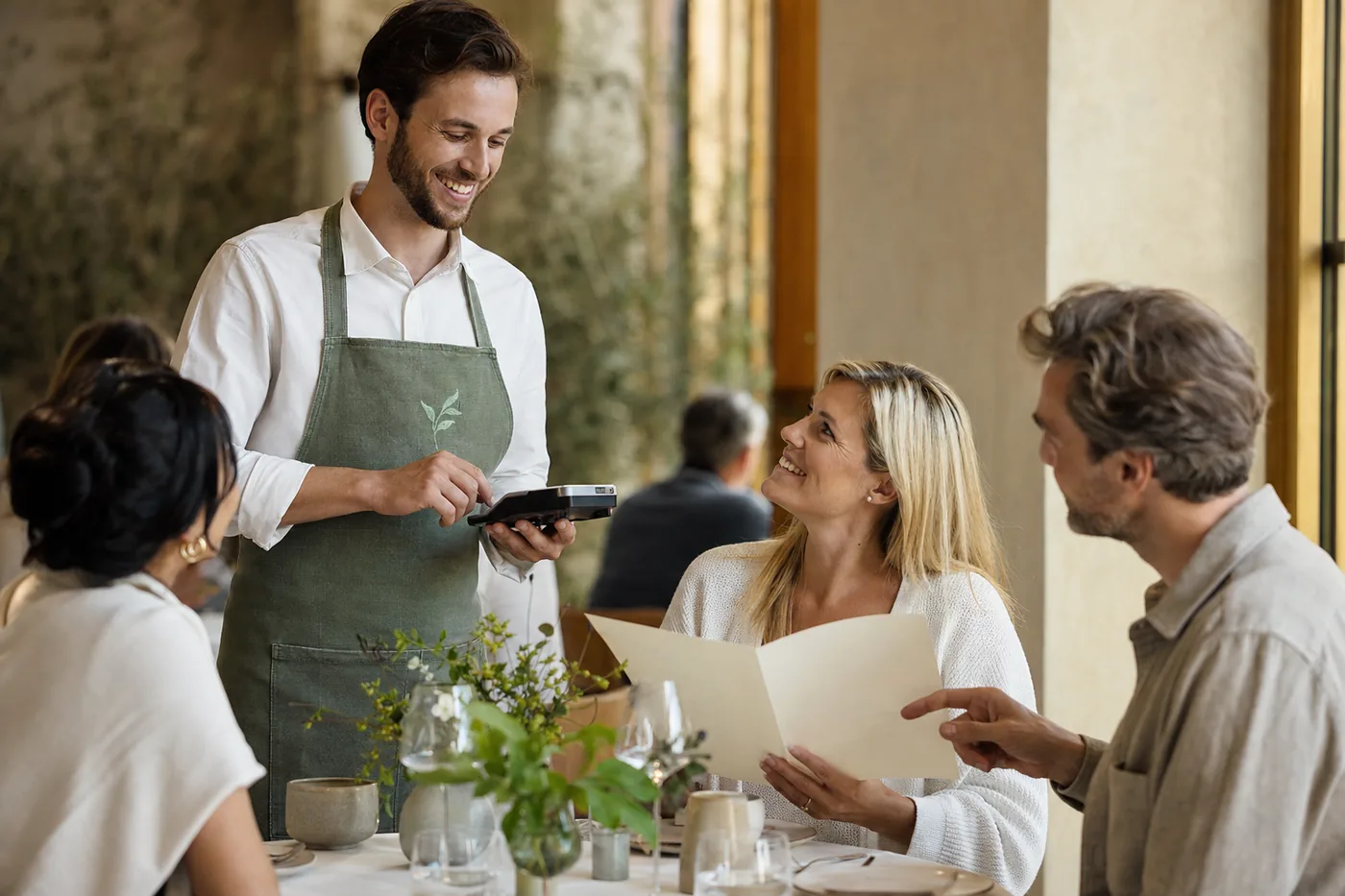
Ordered at the table
The service takes your order on a small handheld, not a notepad. Who ordered what, seat by seat, and which course comes when — questions about allergens are answered right there on the device.
3
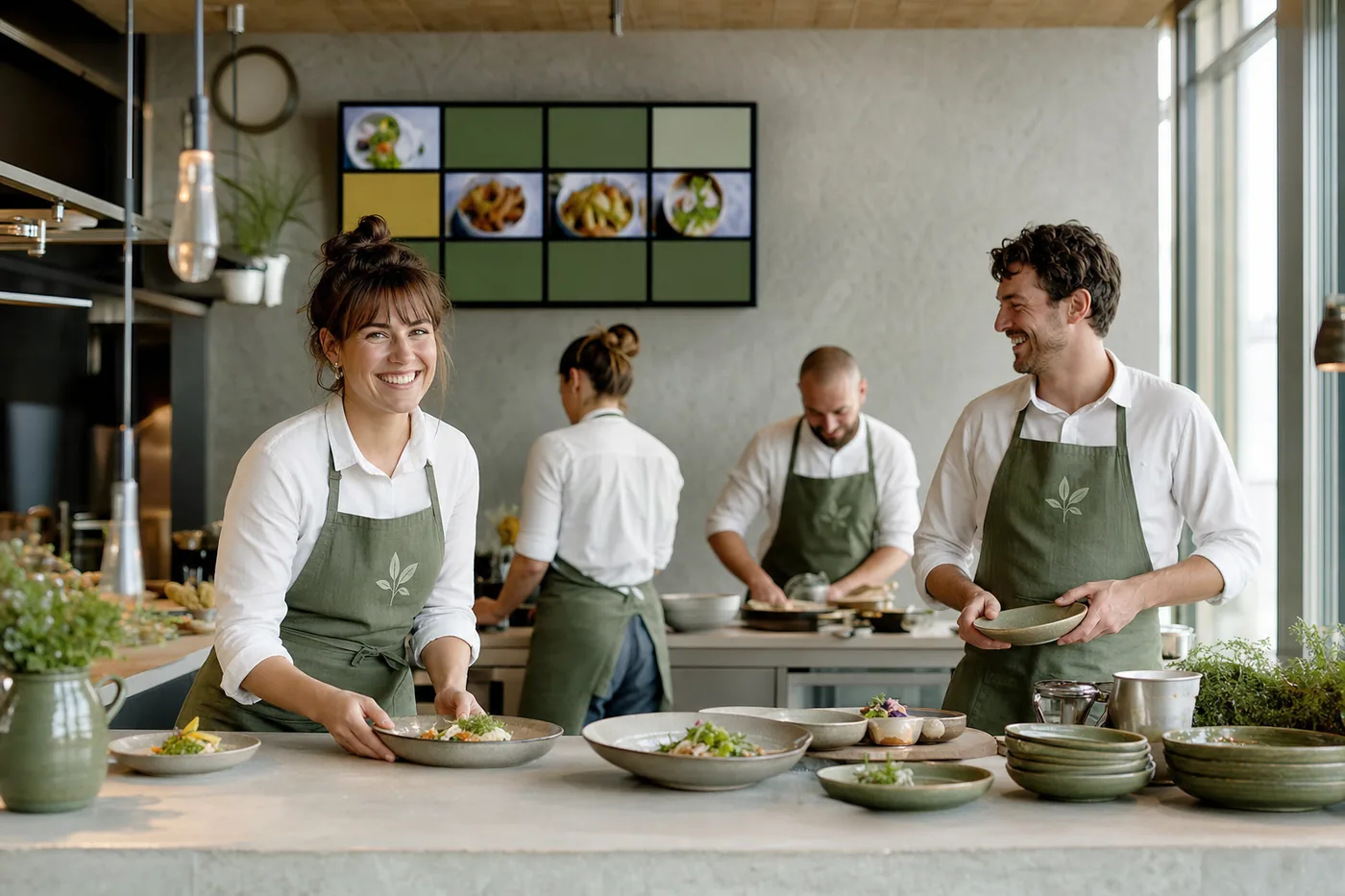
Straight to the kitchen, course by course
The starter appears at once on the cold kitchen's screen, the dessert at the pâtisserie. The service calls the main course when you are ready for it — and when it is done, the kitchen signals back to the service. A dish that runs out shows as sold out everywhere at once.
4
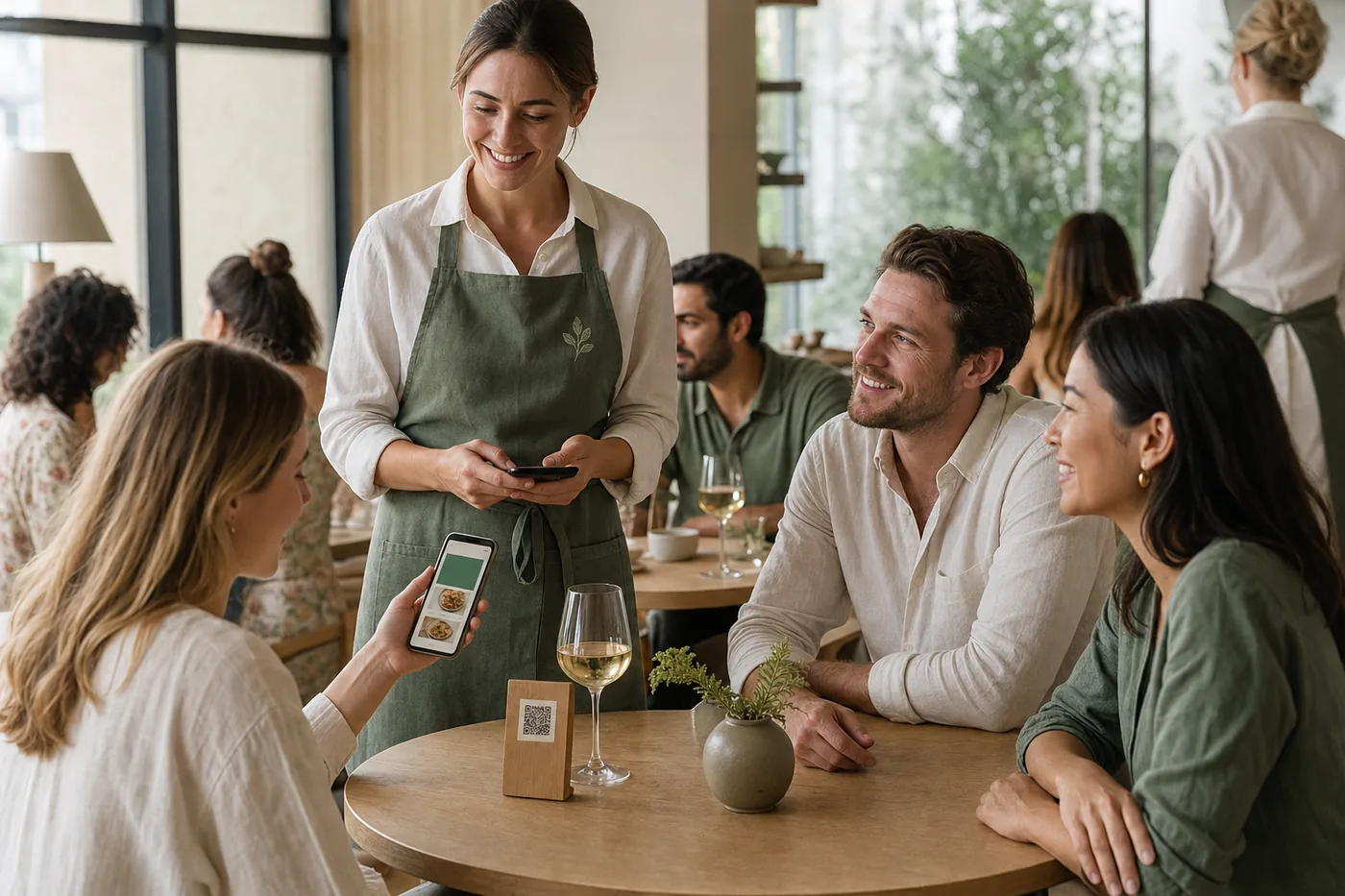
Another glass at the bar
Every bar table has a QR code. It shows you the menu in your language, orders the same glass again, calls the service or pays from your phone — all of it, or just your share.
5
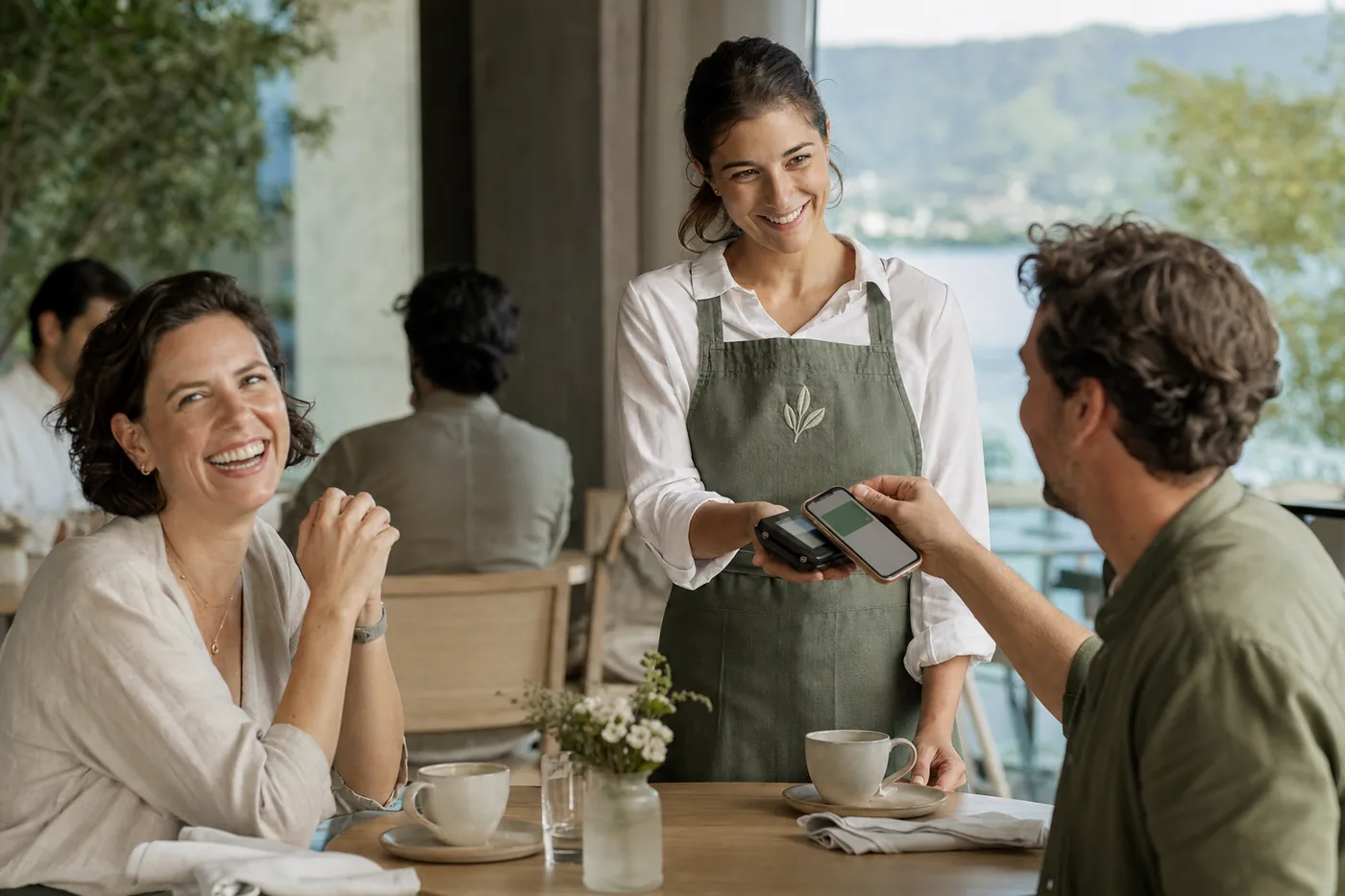
Paid at the table, split if you like
The bill comes to the table, and so does the card terminal. Split by dish, by person or in equal shares; by card, TWINT or Lunch-Check. You can add a tip on the terminal if you want to — service is included in the price.
6
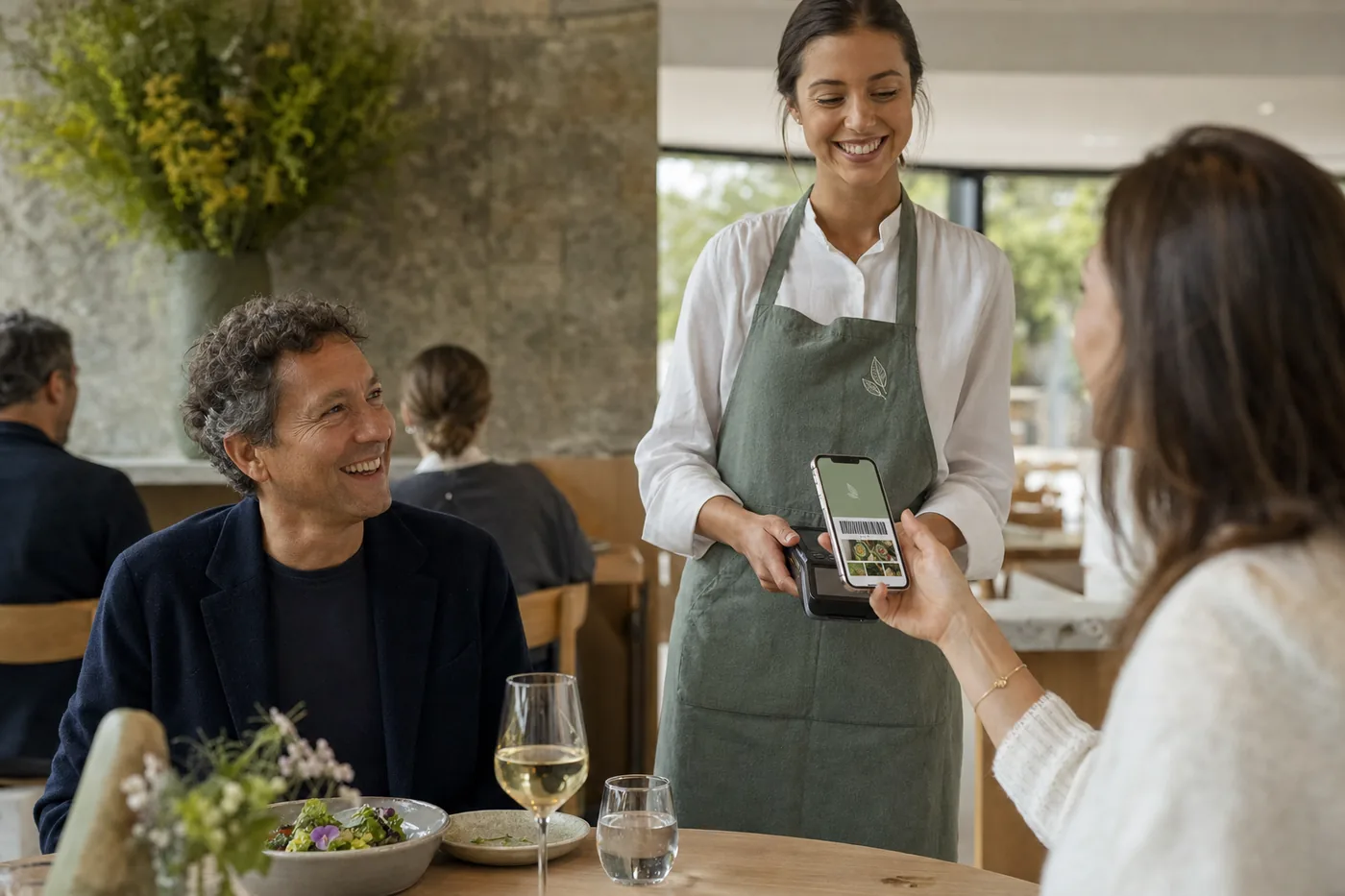
The card in your wallet
If you have the Salvia card, show it when you pay. The points land on it at once, and next time the service knows you do not like coriander.
7
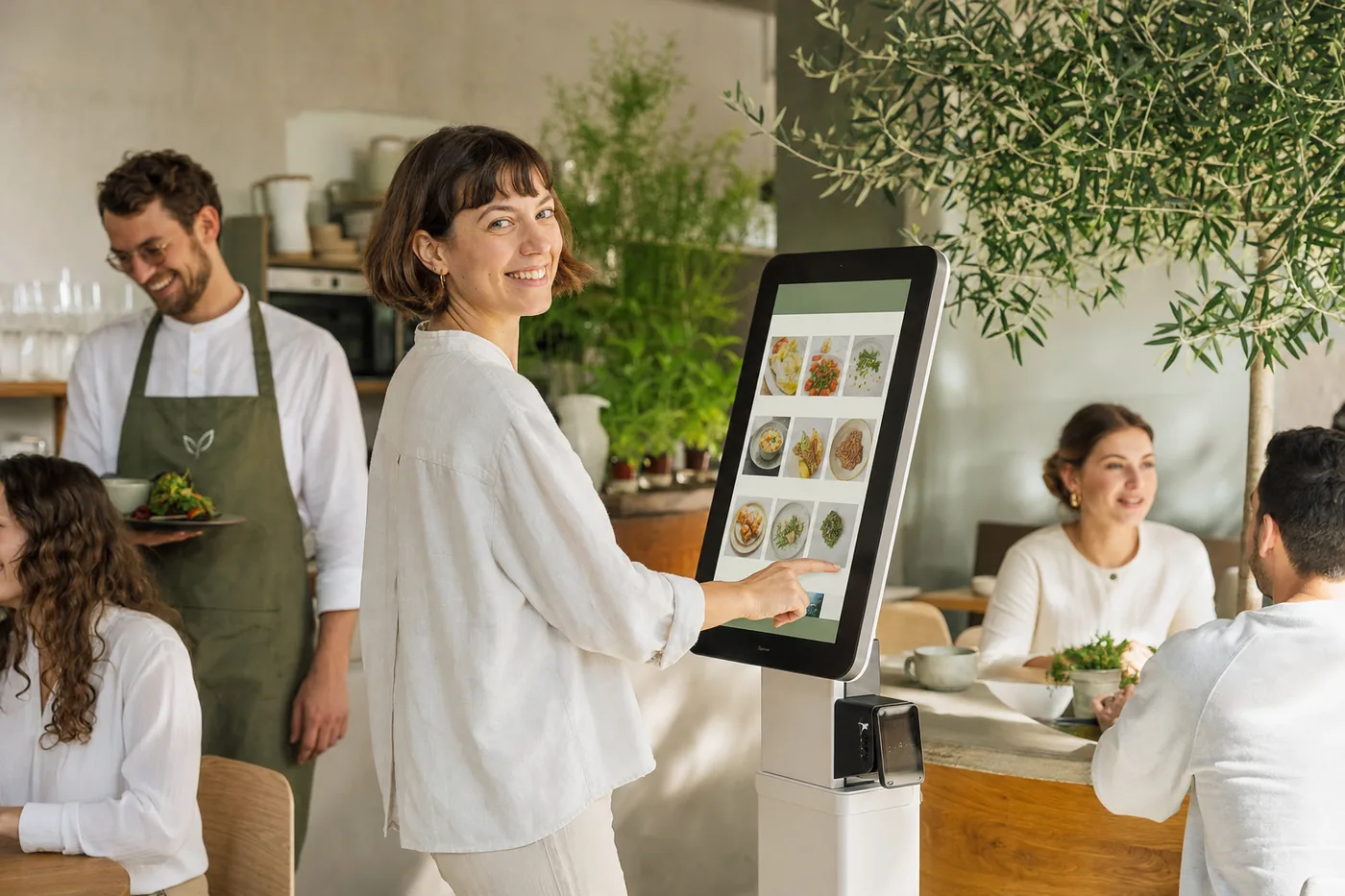
In the café: the kiosk and ordering ahead
In the morning every minute counts. At the kiosk you order in your language and pay straight away; ordering ahead, you choose a collection time and get a text when it is ready. Here too, the order goes straight to the kitchen.